Connect in a few taps.
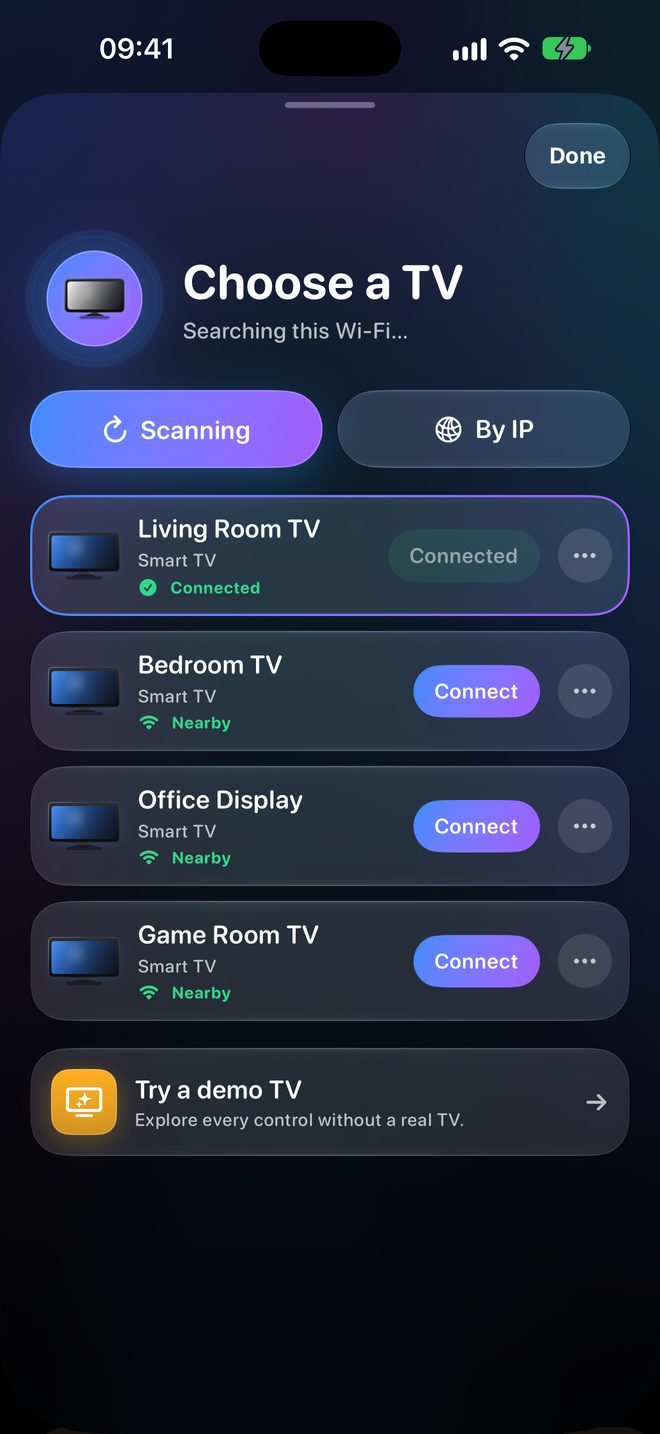
TV Captain scans your Wi-Fi and lists the TVs it finds. Choose one, then approve it on the TV or enter the code it shows.
TV remote · iPhone & iPad
TV Captain finds the TVs on your Wi-Fi, connects in a few taps and shows only the controls your TV actually supports.
Free. No account. No sign-up.
View on the App Store See what it does ↓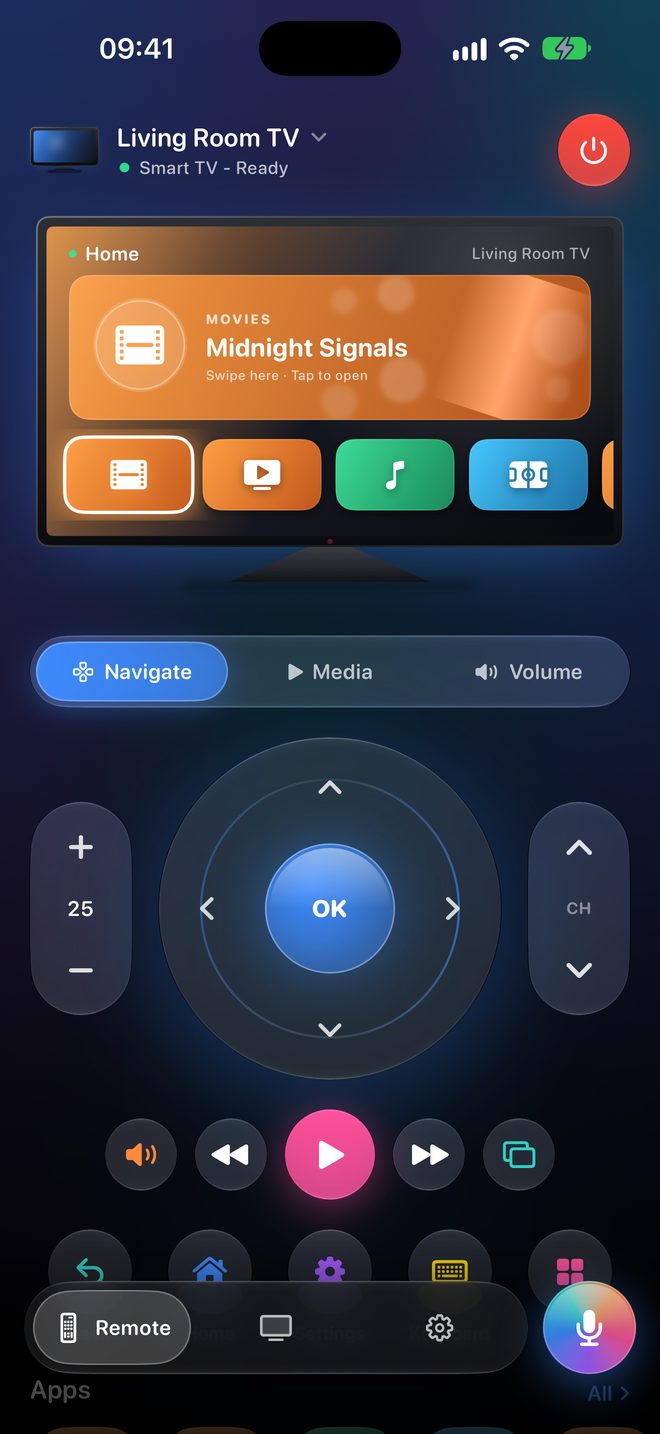
TV Captain is the new name for Nomiq. This page shows the upcoming 1.1.0 update. Until it’s released, the App Store still lists the app as Nomiq, and that version may look and work differently.
Swipe on the on-screen TV to move and tap for OK, or use the direction pad. Volume, mute, channels, playback, Back, Home and power are right there, and a row of shortcuts opens your TV’s apps.
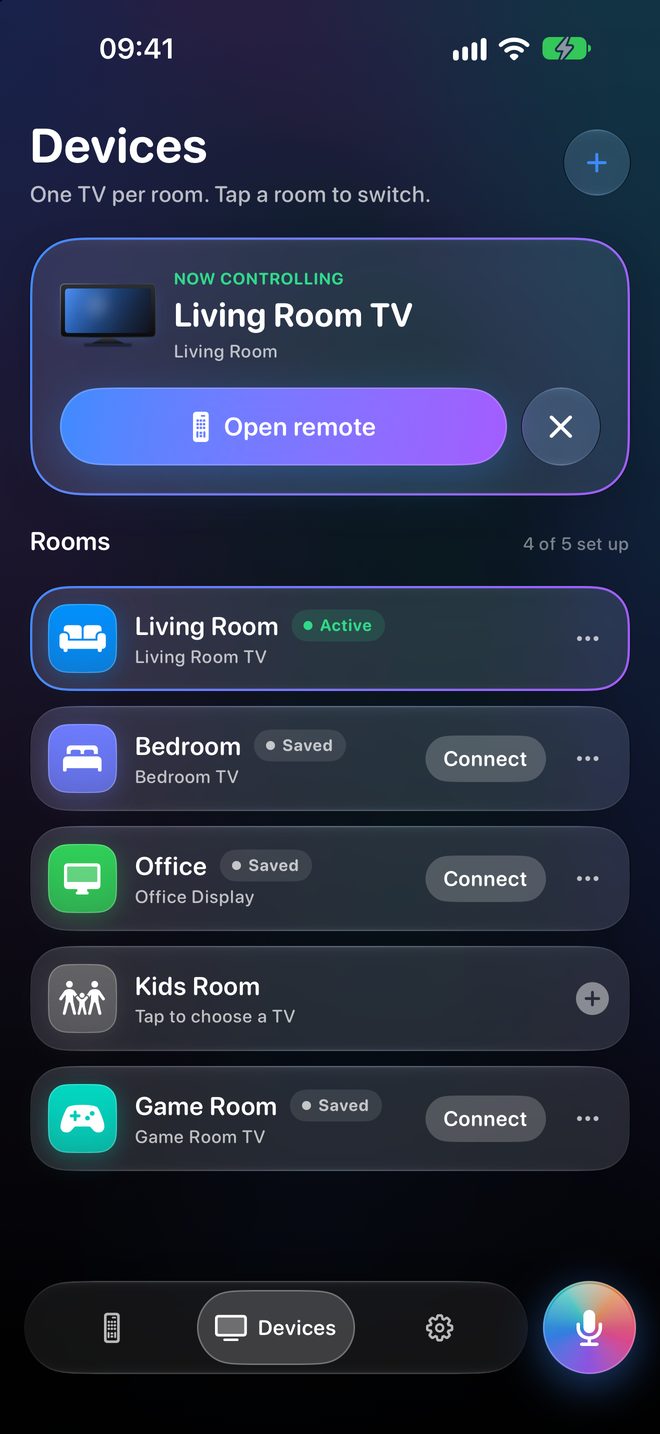
TV Captain scans your Wi-Fi and lists the TVs it finds. Choose one, then approve it on the TV or enter the code it shows.
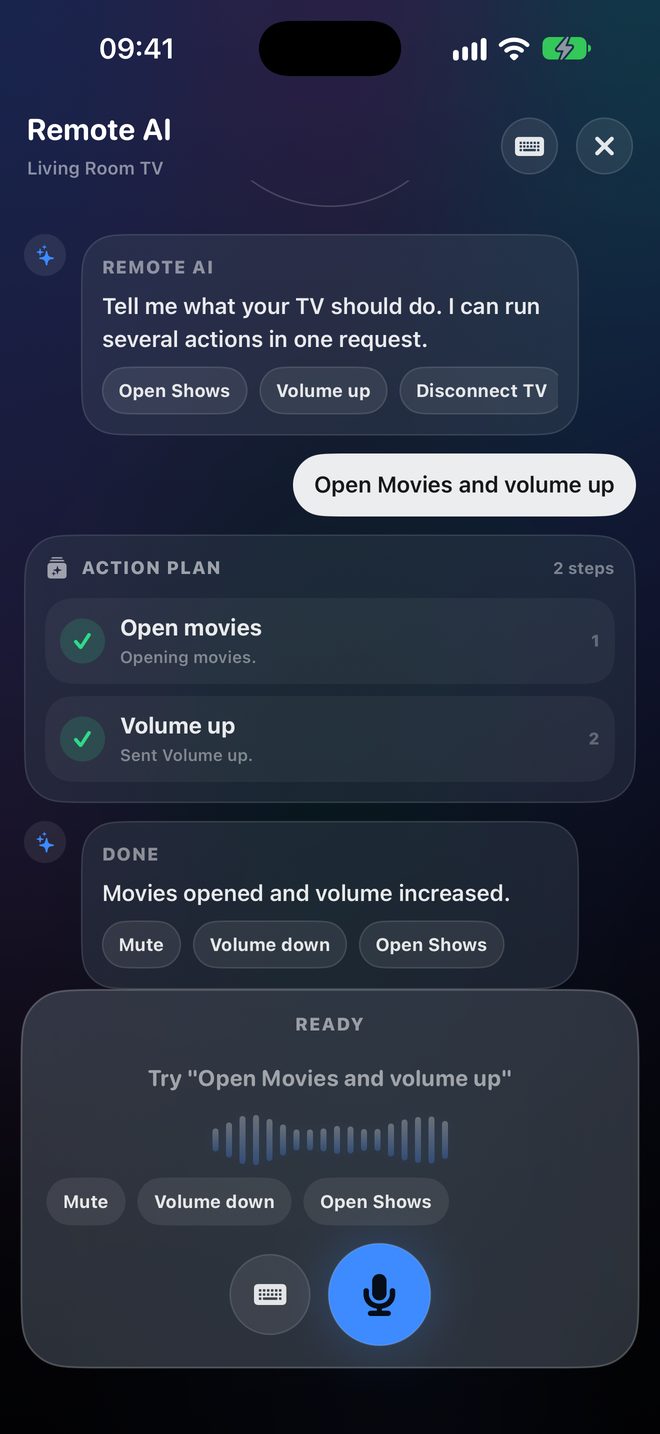
Tap the mic for Remote AI and say something like “open movies and volume up”. One request can run several actions, and you see each step. Voice commands are in English, or type instead.
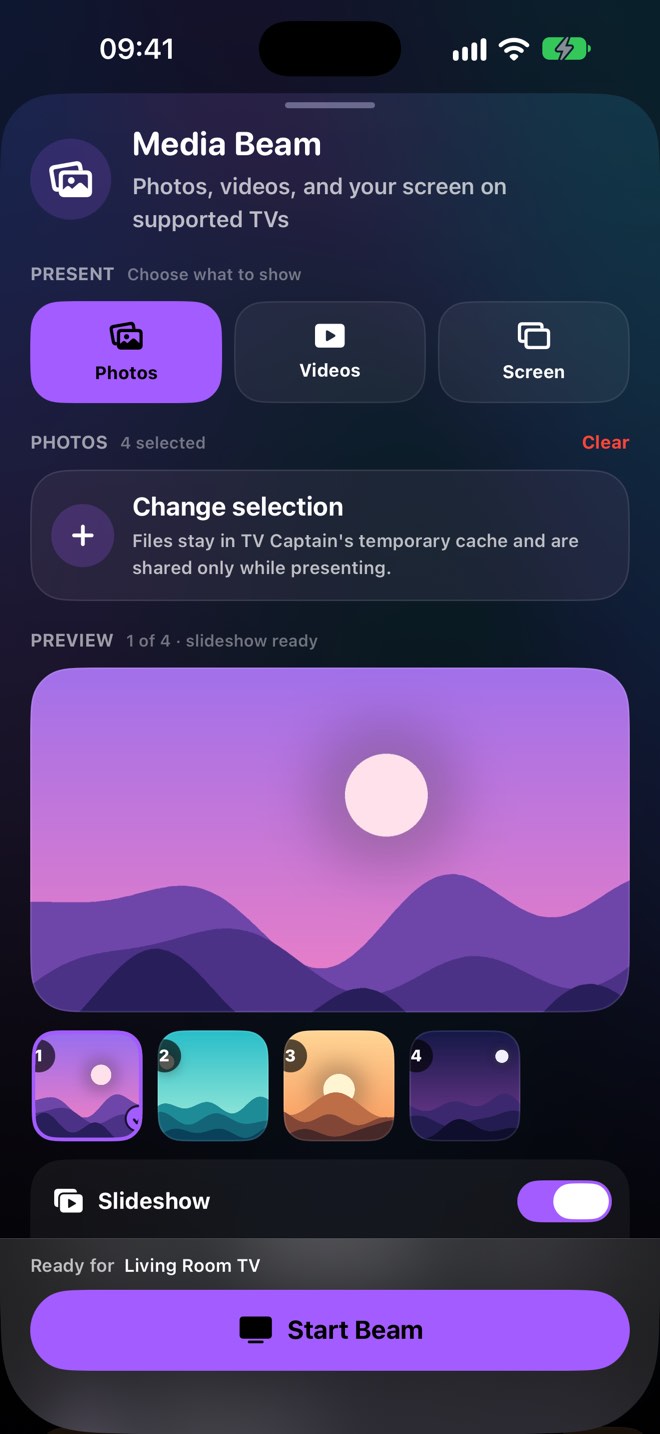
Media Beam puts photos and videos from your library on a compatible TV, up to 20 photos or 5 videos at a time. Use the iOS screen mirroring control for everything else.
Save each TV to a room and switch with one tap. TV Captain reconnects to your last TV when you open the app.
The Control Library gathers your TV’s apps, controls and routines. Run routines like Movie Night and Quiet Mode, or use Siri and Shortcuts for quick commands.
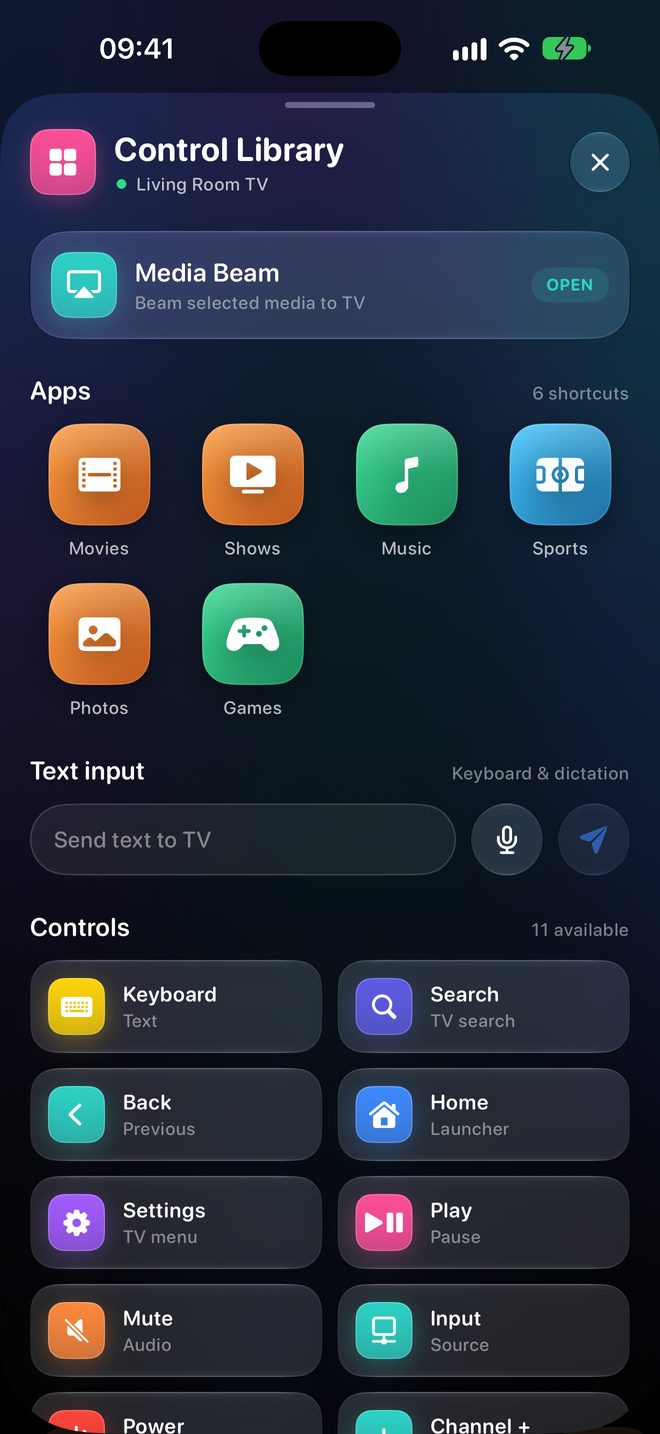
Type searches and logins on your device instead of hunting for letters on the TV, or dictate when your hands are full.
Try the built-in demo TV in Settings to explore every screen. Nothing is sent over Wi-Fi.
The same remote, with a bigger on-screen TV and every control in view. TV Captain runs on iPhone and iPad with iOS or iPadOS 17 or later.
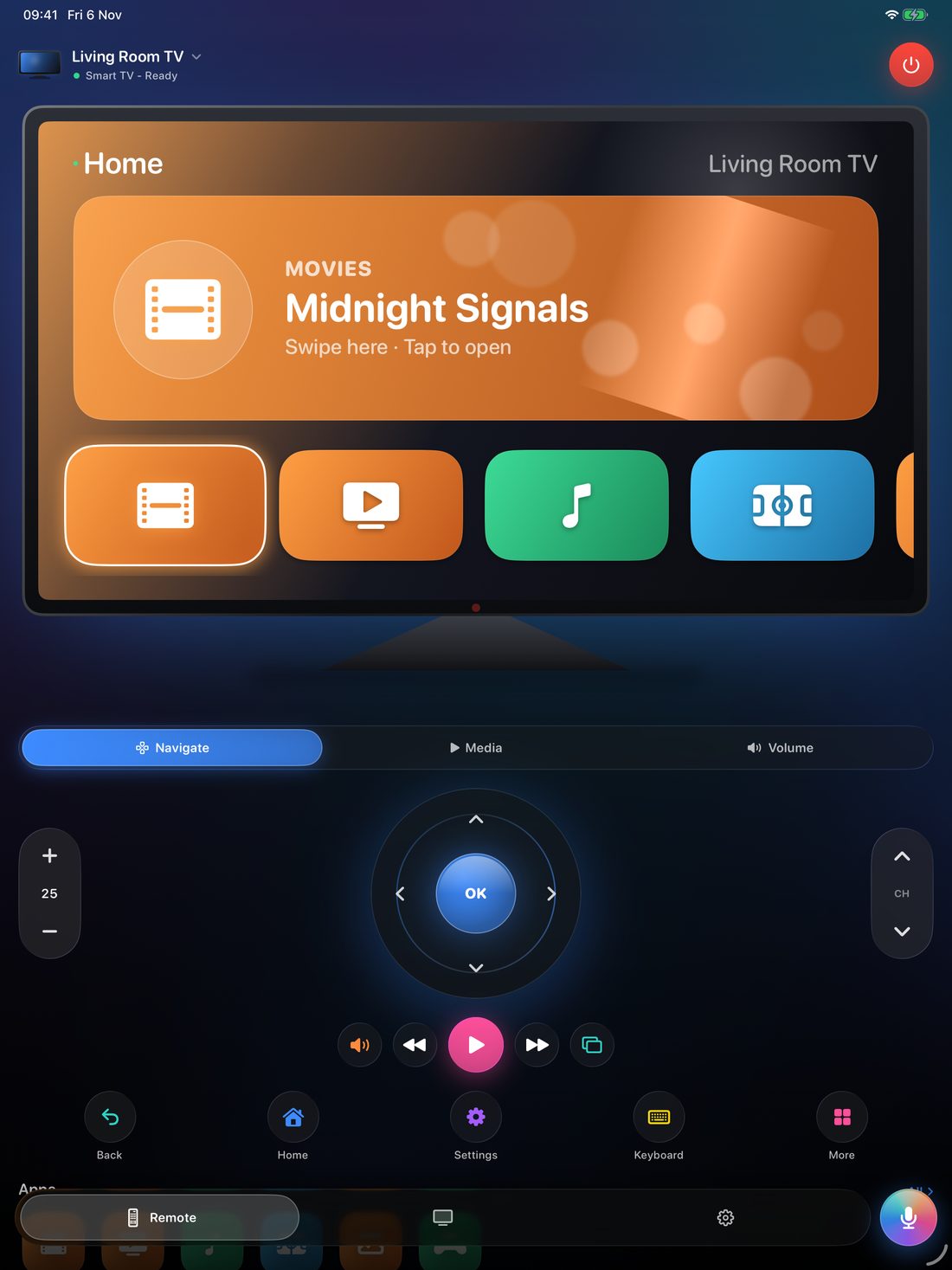
TV Captain works with many smart TVs and streaming devices, but not every TV. Your iPhone or iPad and your TV need to be on the same Wi-Fi network. The controls you get depend on your TV’s model, software, region, network and installed apps.
Commands go directly from your device to your TV over your local network. The microphone and speech recognition are used only when you start a voice feature. The privacy policy explains analytics and diagnostics.
The support page walks you through finding and pairing your TV. You can also write to contact@hiennv.dev.
Screens show version 1.1.0 with a simulated TV and sample content. TV Captain is an independent app and is not affiliated with, endorsed by, or sponsored by any TV manufacturer.